How to use it
Everything Shorts Studio AI can do, and how to get a finished Short in minutes.
Start here
New accounts come with finished samples: real Shorts, the pipelines that made them and a channel. Open any of them and look around. Looking costs nothing, and they’re your own copies, so change whatever you like.
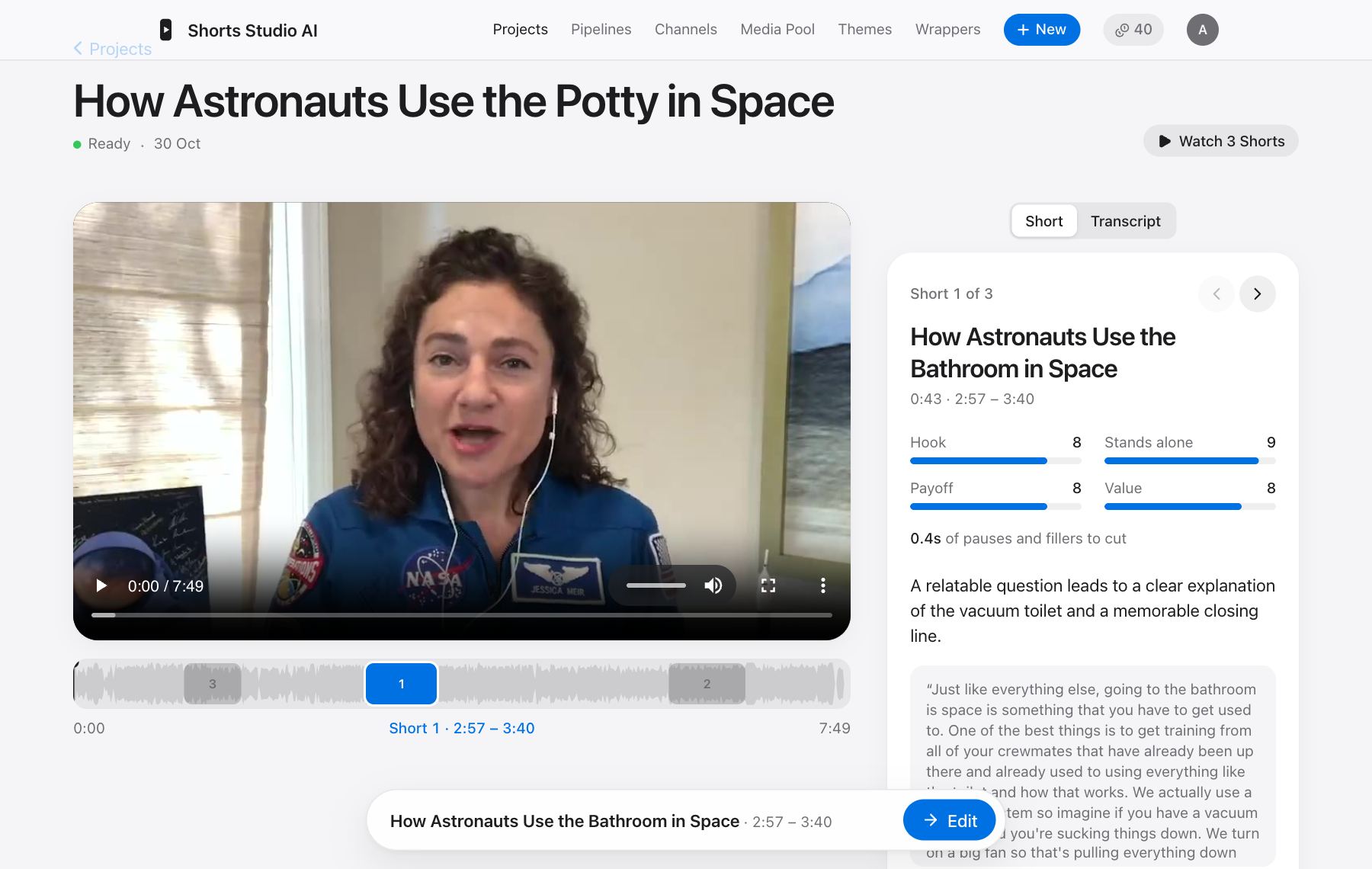
- 1Open a sample in Projects and press Edit on a Short to see how it was made.
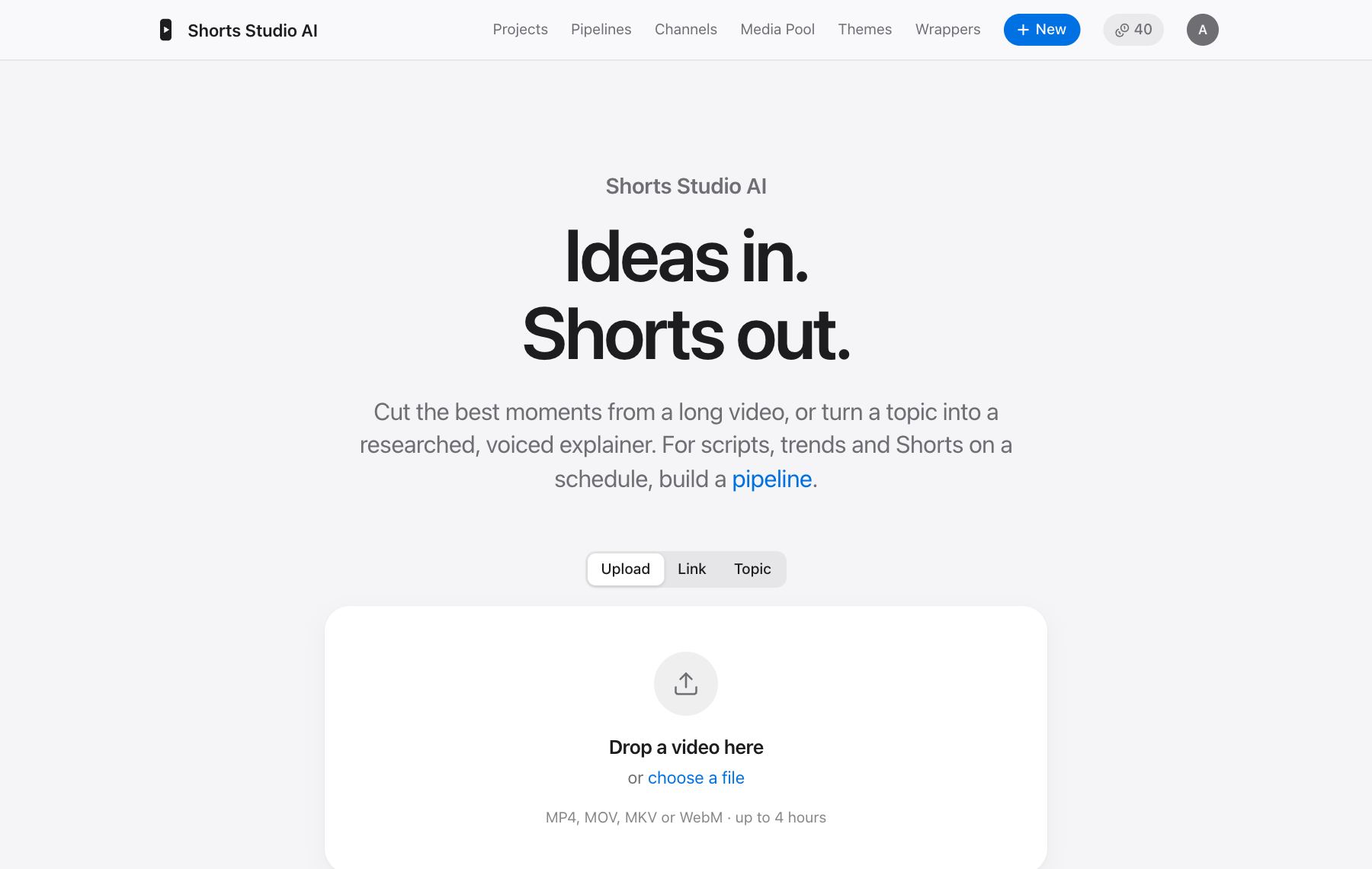
- 2When you’re ready, start your own from the home page: upload a video, paste a link, or type a topic.
- 3Watch the Short it makes, change anything you want, and render it.
Start from anything
From a long video
Give it a podcast, a talk or a stream. Every word is transcribed, and the AI reads the transcript to find the moments that work on their own, with a hook and a payoff.
- 1Upload the video or paste a link, up to 4 hours long.
- 2Wait for it to be prepared and transcribed. You can leave the page.
- 3Look through the Shorts it found. Find More asks for others, or describe what you’re looking for.
- 4Press Edit on the one you like.
Finds the moments
Why most AI agents fail
18:42 – 19:27
Hook
Stands alone
Payoff
The habit that changed everything
41:05 – 41:49
Hook
Stands alone
Payoff
Stop optimizing too early
1:02:10 – 1:02:52
Hook
Stands alone
Payoff
Keeps the speaker in frame
From a topic or script
No video needed. Give it a topic and it researches the web and writes a script. Or paste your own script, or let it find what’s trending today. It then voices the script and shows it with B-roll, animated diagrams, charts and motion graphics.
Faceless explainers, built scene by scene
One heartbeat
Every day it pumps
7,500
litres of blood
with every beat
Edit a Short
Every Short is made of steps you can see: trim, jump cuts, reframe, zooms, B-roll, scenes, captions, motion graphics, overlays, effects, music, sound effects, wrappers and the thumbnail. Each has an on/off switch and an amount, and the preview updates instantly.
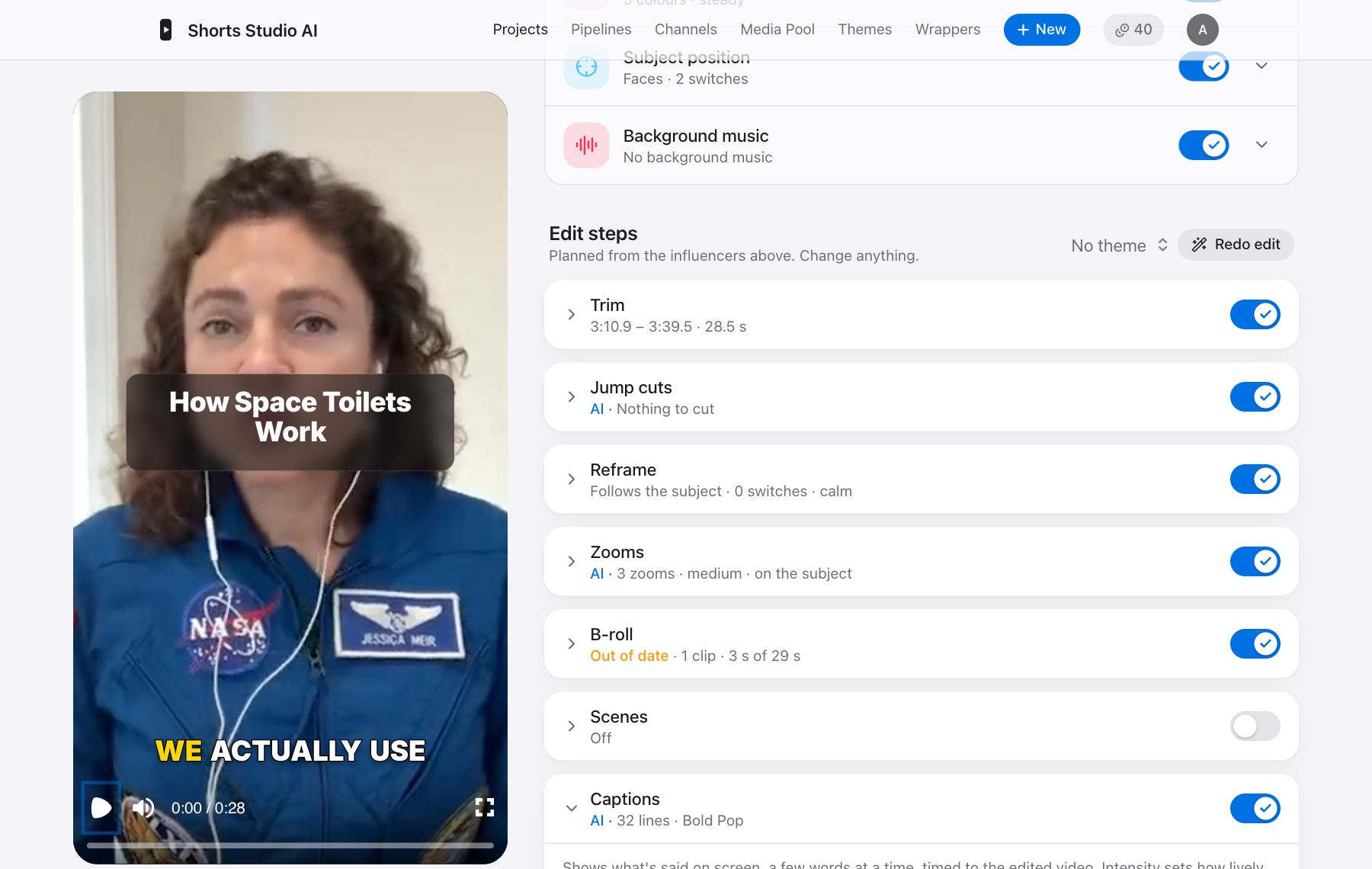
- 1Change a step with its controls, or type what you want in its chat, like “bigger, only highlight the key word”.
- 2Rerun asks the AI to decide a step again. Stop cancels while it’s working. Undo goes back, and Versions keeps alternatives side by side.
- 3Render makes the final video, ready to download. Posting straight to YouTube, Instagram and Facebook is on its way, on the Pro plan.
Captions that keep up
THISCHANGESHOWYOUWORK
Tight, without the dead air
Music that steps back
Edit by asking
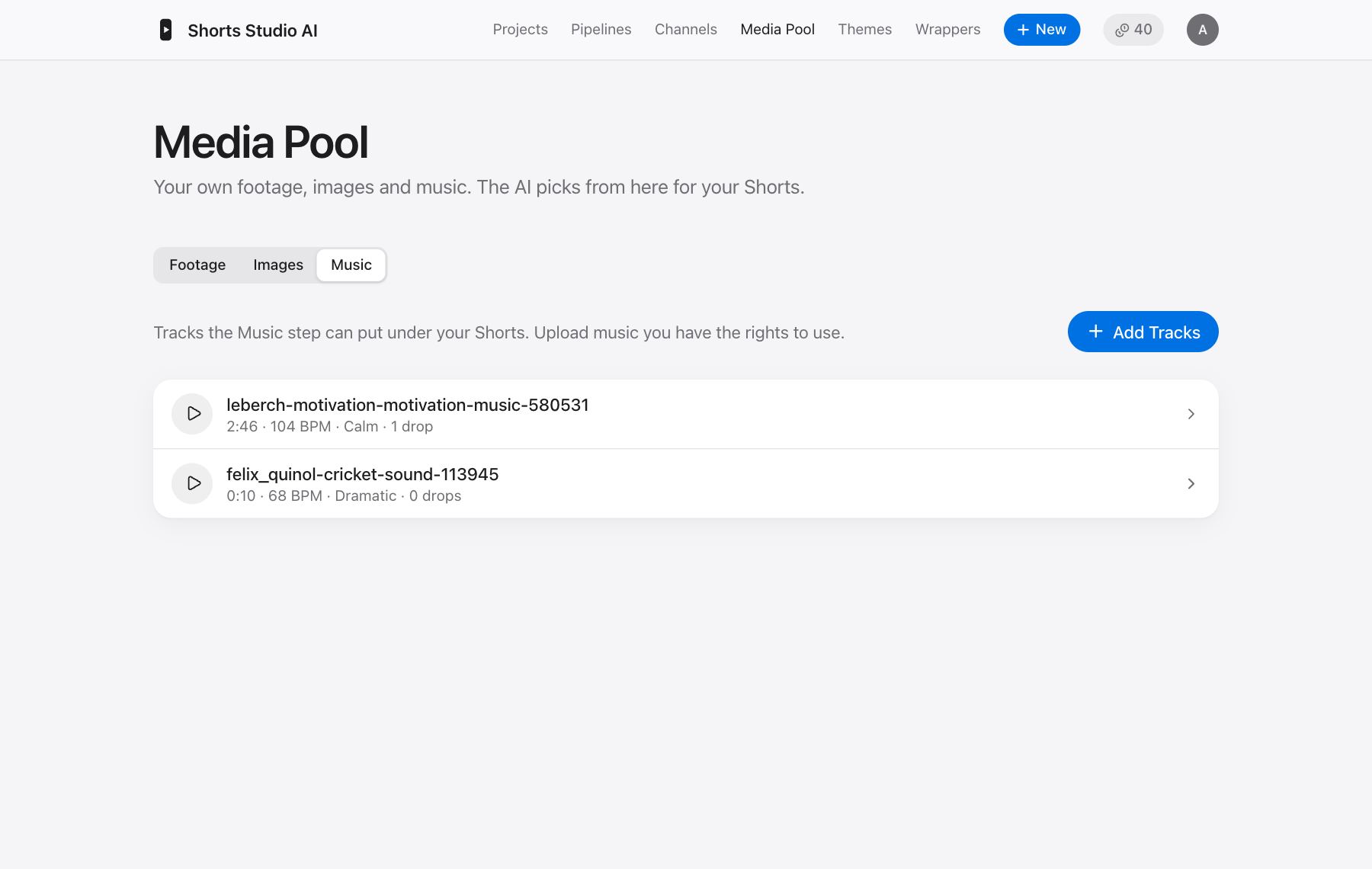
Media Pool
Your own footage, images and music, in one place. Give each file a description: the AI can’t see or hear your files, so what you write is what it goes on. Say what it shows, what it suits and what it’s not for, like “Funky, good for product demos, big beat drop at 1:12”.
Editor
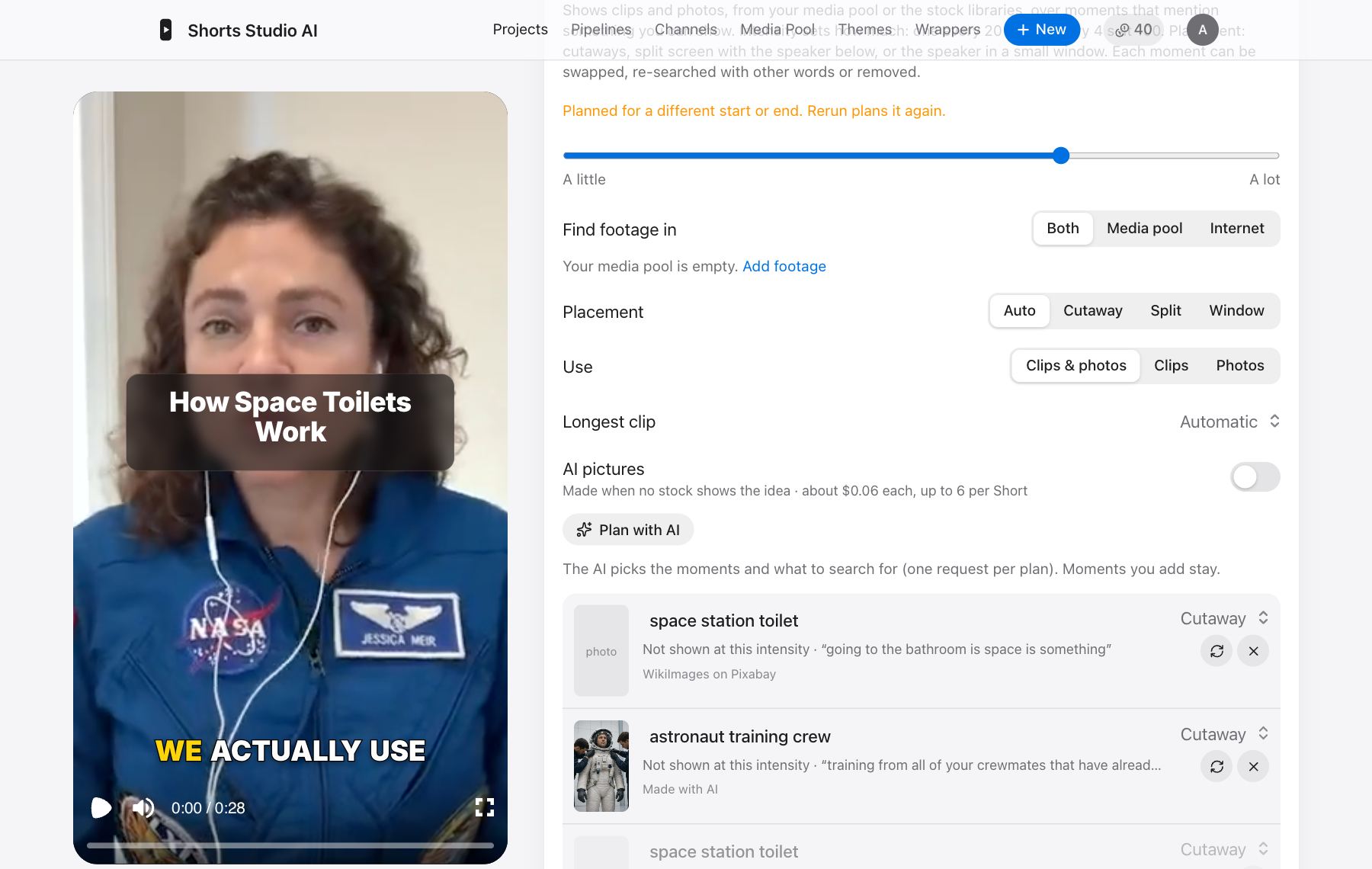
When you want to do it all by hand, the Editor is a full timeline of its own: arrange clips, pictures and music on tracks, trim and split, add text and shapes, then render an MP4. It uses your Media Pool and finished Shorts. It works best on a computer. Add a Manual editor step to a pipeline and it waits for you to finish the edit before going on. On a Short, Edit on timeline opens everything the AI did as clips you can change: each cut, zoom, B-roll clip, caption and sound.
Pipelines
A pipeline makes Shorts by itself: find trending topics, research, write, voice, edit and render, by hand or on a schedule. Add a review step to approve each one from your phone before it goes further.
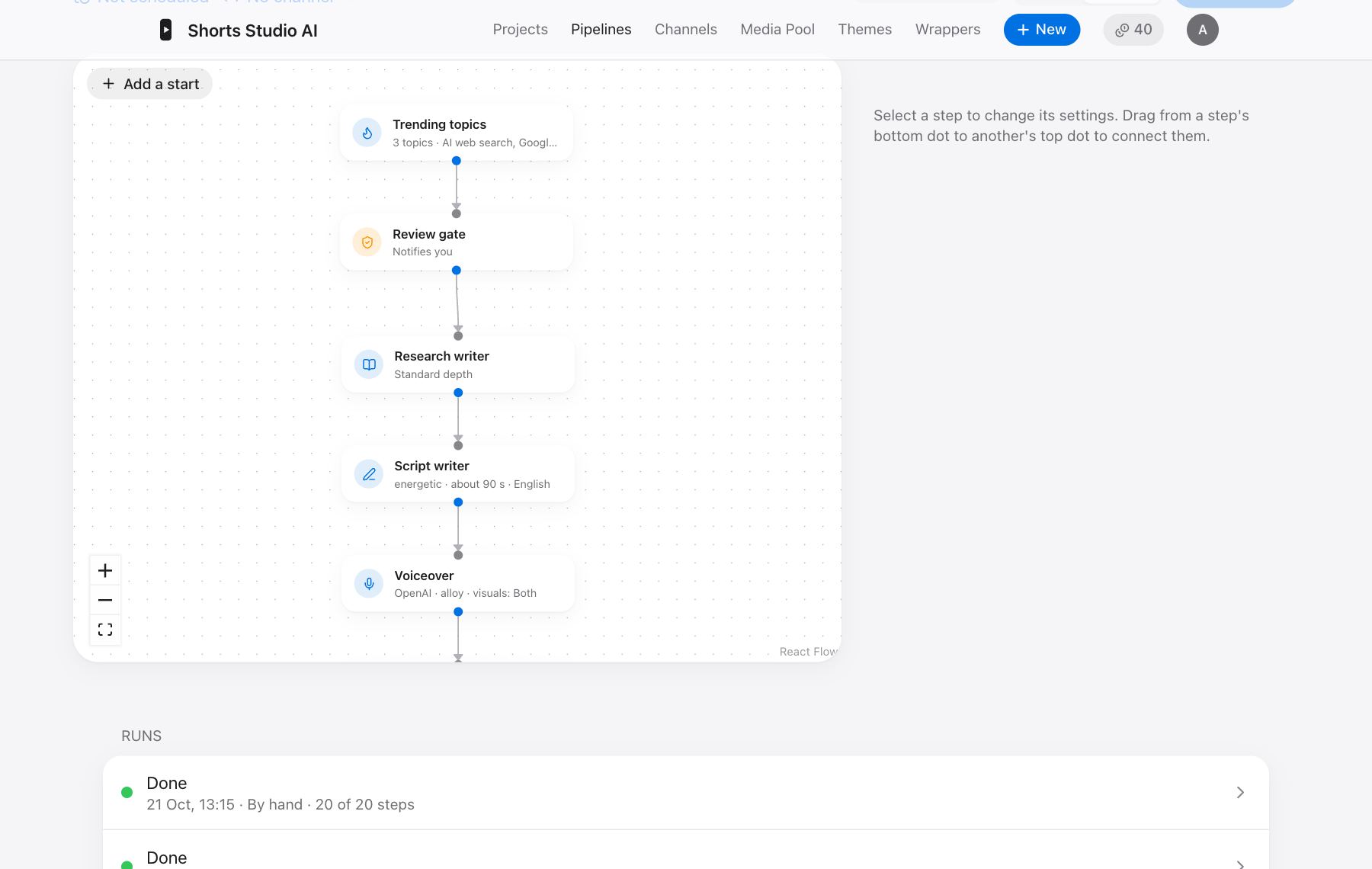
Runs by itself
Channels
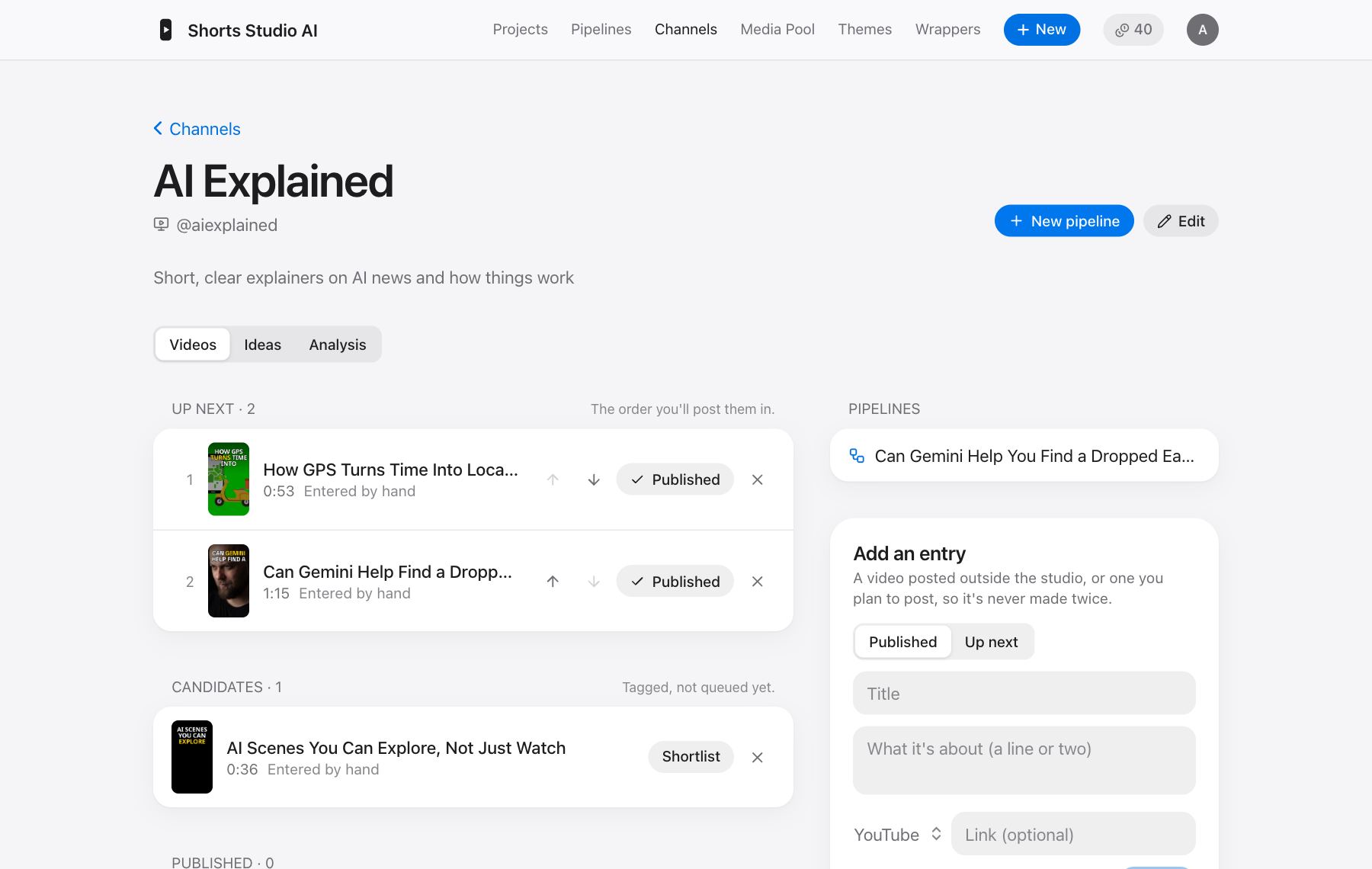
A channel keeps what you’re publishing together: the Shorts up next, candidates, what’s been posted and how it did, and new video ideas that avoid repeating yourself.
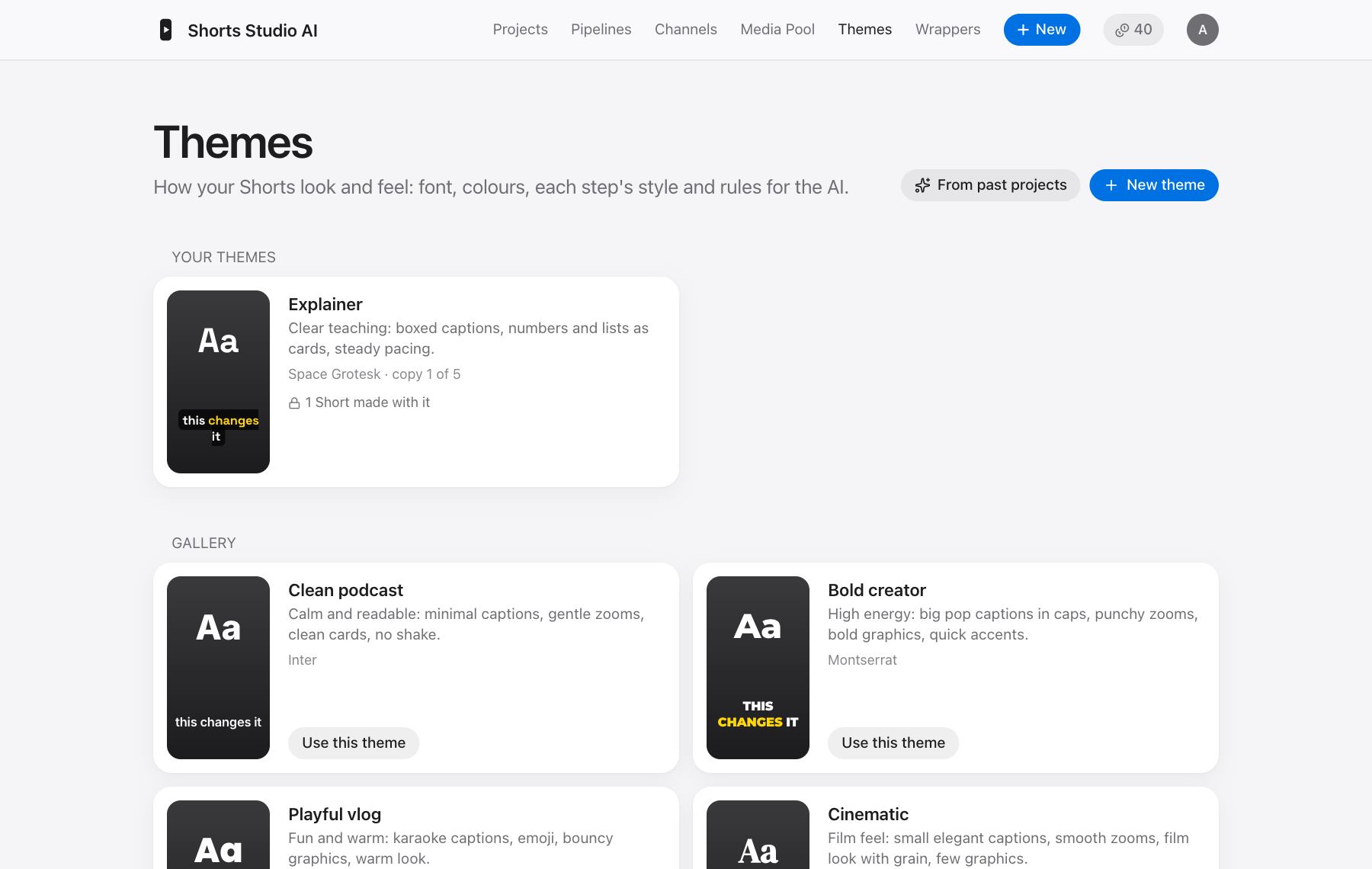
Themes
A theme is your look: fonts, colours, caption style and how you like things edited, applied to every Short that uses it. Start from the gallery, or describe a style and have the AI build one. Wrappers add an intro and an outro.
Credits and your trial
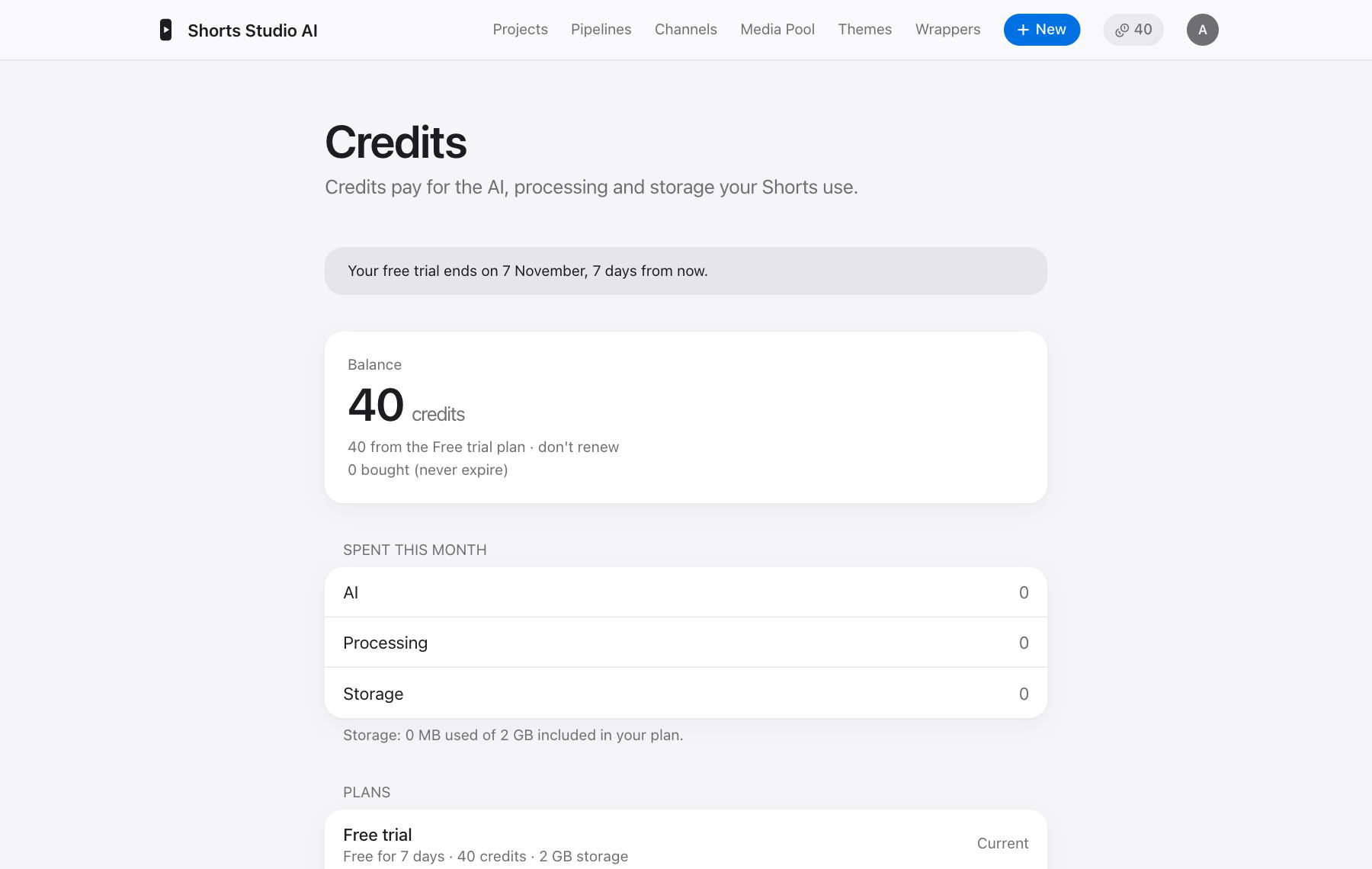
Credits pay for the AI, processing and storage your Shorts use. New accounts get 40 credits and 2 GB of storage, free for 7 days.
Credits, approximately. Costs depend on how long the video is and what you ask for, so check Credits & plan for what you’ve actually spent.
When the 7 days are over
New work stops, and you have 3 more days to choose a plan or buy credits. After that your projects, media and other files are deleted for good. Your account stays, so a trial can only be taken once per email.